
VJ & DJ setup · Updated
A VJ controller from a gamepad: wireless MIDI for live visuals
Most VJ controllers are grid or fader boxes that sit on a desk. A gamepad is a different kind of tool: wireless, held in two hands, with sticks and triggers made for continuous movement. PadMap turns a PlayStation or Xbox controller into a MIDI controller, so VJ software that maps MIDI can be played from anywhere in the room while you watch the output instead of the laptop.
Short answer
Connect a PS5, PS4 or Xbox controller, run PadMap and map buttons to MIDI notes and sticks, triggers and motion to MIDI CC. In your VJ software, enable the PadMap MIDI input and use its MIDI mapping mode to assign clips and effect parameters.
Set up a gamepad as a VJ controller
- 1
- 2
Map the pad in PadMap
Buttons send notes, which VJ software uses for triggers. Sticks, triggers and motion send CC, which it uses for parameters. On macOS PadMap creates its own MIDI port; on Windows it uses a free loopMIDI port.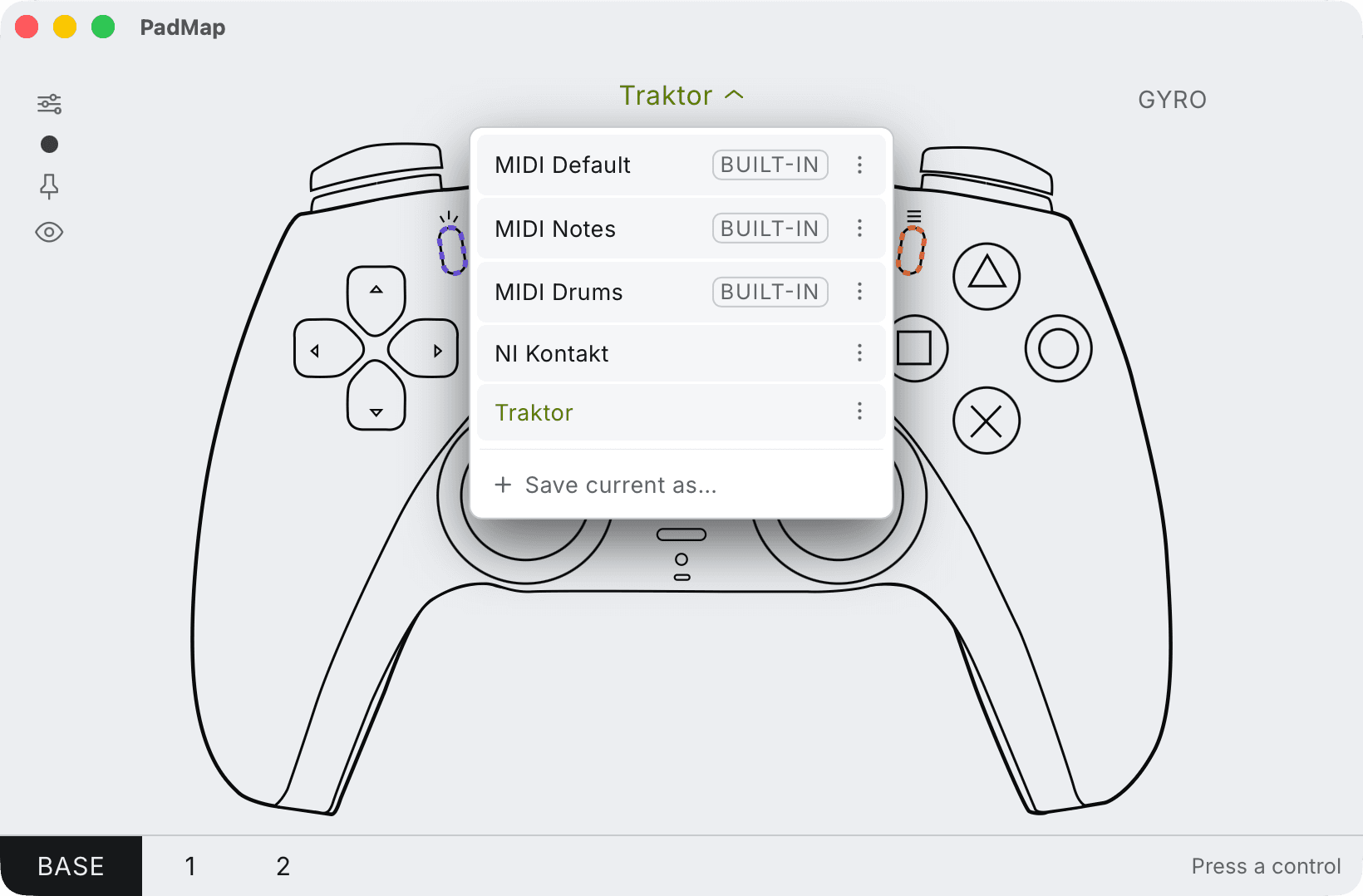
Built-in presets — MIDI Default, Notes and Drums — plus your own, saved with Save current as. - 3
Assign it in your VJ software
Follow the guide for your software: Resolume Avenue and Arena or TouchDesigner. Other VJ tools work the same way if they offer MIDI mapping: enable the input, enter the mapping mode, click a control and move the pad.
A layout for a live visual set
| Control | Job |
|---|---|
| Face buttons | Trigger four clips or four looks. |
| D-pad | Move through decks, columns or scenes. |
| Right trigger | Effect amount that drops back to zero: strobe, feedback, blur. |
| Left trigger | Master brightness or a fade to black you hold. |
| Left stick | Position or scale of a layer, on X and Y. |
| Right stick | Two effect parameters, such as hue and distortion. |
| Shoulder buttons | Hold to switch the pad to a second bank of clips. |
| Tilt (PS4 / PS5) | Rotate or pan the image by leaning the controller. |
Why a gamepad suits visuals
- You can leave the desk. Stand in front of the screen, at the back of the room or next to the DJ, and still play the set.
- Springs do the resetting. Sticks and triggers return on their own, so an effect you punch in clears when you let go.
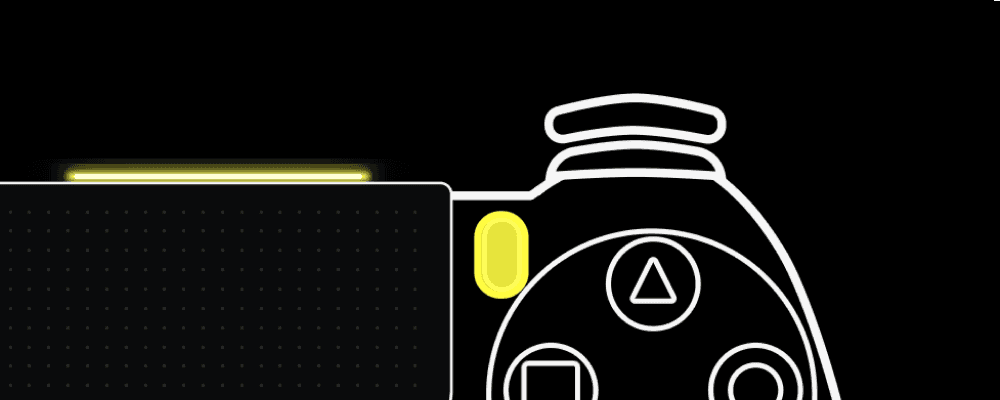
- Readable in the dark. On PS4 and PS5 controllers PadMap colour-codes the light bar to the active layer, so you know which bank you are on without a screen.
- Motion. Tilt control maps naturally to image movement. See the motion guide.
What to know before a show
- MIDI, not OSC. PadMap sends MIDI notes and CC. If your rig is built on OSC only, it won't fit.
- It complements a grid. A gamepad has about a dozen buttons. Use it for the expressive part of the set and keep a grid controller for launching many clips, or use PadMap's layers to reach more.
- Charge it. A wireless controller is only useful with battery left. Plugging in the USB cable keeps it running.
If you also make music, the same controller and mapping work in Ableton Live and other DAWs, so you learn one layout for sound and image.
Written by Oskar Schachtschneider, who builds PadMap at Sinuslabs.