
VJ & DJ setup · Updated
A MIDI controller for Resolume from the gamepad you own
Short answer
Run PadMap, open Resolume's Preferences → MIDI and switch on MIDI Input for the PadMap port. Then choose Shortcuts → Edit MIDI, click a clip or parameter and press the button or move the stick you want on it. Press Escape to finish.
Set up your gamepad in Resolume
- 1
Connect the controller and start PadMap
Plug the controller in over USB or pair it over Bluetooth, then open PadMap. On macOS, PadMap creates its own MIDI port, PadMap Out. On Windows it sends through a free loopMIDI port, so create that first. Start PadMap before Resolume so the port exists when Resolume looks for MIDI devices.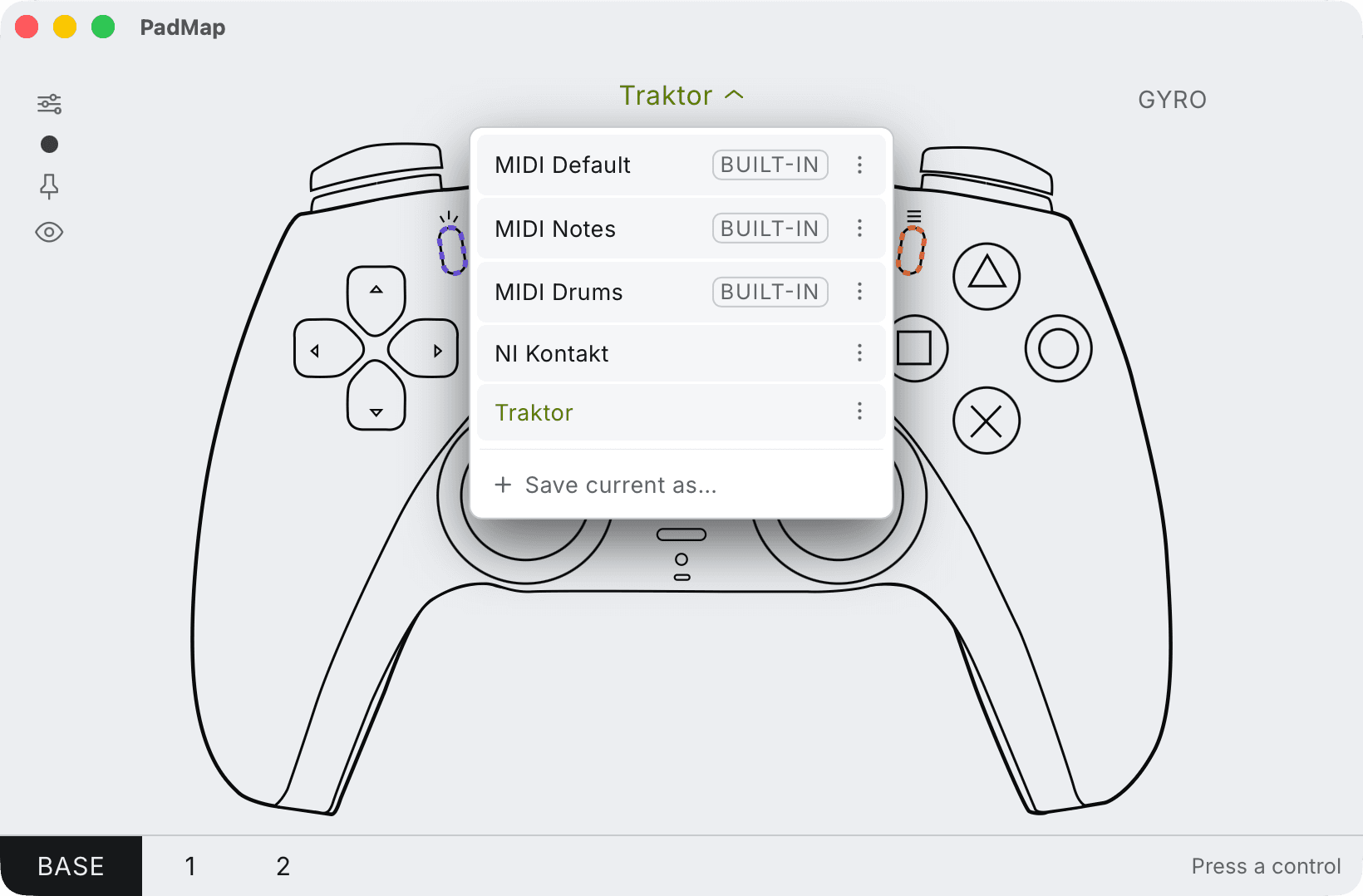
Built-in presets — MIDI Default, Notes and Drums — plus your own, saved with Save current as. - 2
Switch on MIDI Input for the PadMap port
In Resolume, open Preferences and go to the MIDI tab. Find the PadMap port in the device list (PadMap Out on macOS, your loopMIDI port on Windows) and turn on MIDI Input. Unfold the MIDI monitor on the right of that tab and press a button on the pad: each message shows up as it arrives. If nothing appears, fix that before you map anything. - 3
Enter MIDI shortcut mode
Open the Shortcuts menu and choose Edit MIDI. The interface changes colour to show that everything you can map is now waiting for a MIDI message. - 4
Click a control, then press or move the pad
Click a clip, a layer fader, an effect parameter or a button in Resolume, then press the button or move the stick or trigger you want on it. Carry on with the next control. Each assignment is listed in the Shortcuts tab, where you select it to change how it behaves. Press Escape to leave shortcut mode.
What each control is good for in a VJ set
Buttons send notes and sticks and triggers send CC, and Resolume treats the two differently. That split maps neatly onto what a set needs:
| Control | Works well for |
|---|---|
| Face buttons | Clip triggers. Four clips under your right thumb, or four columns if you map them to column triggers. |
| D-pad | Moving around the composition: next and previous column, layer select, or four more clips. |
| L2 / R2 triggers (LT / RT) | Anything that should sit at zero until you pull it: an effect's opacity, a strobe amount, a feedback level. Release and it drops back. |
| Left / right stick | Two parameters per stick. X and Y on a position or scale effect lets you push the image around directly; the stick snaps back to centre when you let go. |
| L1 / R1 (LB / RB) | Modifiers for a second PadMap layer, so the same face buttons reach another bank of clips. |
| Gyro (PS4 / PS5 pads) | Tilt the controller to move an effect. Your thumbs stay free for clips. |
Make buttons and sticks behave: shortcut options
Select a shortcut in the Shortcuts tab to see its options. The ones that matter for a gamepad:
- Toggle flips a control on and off with each press. Piano keeps it on only while you hold the button, which is what you want for a flash, a strobe or a bypass you punch in. Invert reverses Piano.
- For a stick or trigger, Absolute maps its full travel onto the parameter, and Range narrows that to the useful part. A stick rests in the middle, so a range that puts the middle where the parameter should rest saves you from a jump every time you touch it.
- If a button you set to send CC in PadMap shows up without Toggle or Piano, change the shortcut's Mode to Button.
- Shortcut Target decides whether a mapping follows a position in the composition or the selected clip or layer. By Position keeps button one on the first slot whatever clip sits there.
Resolume documents all of these in its MIDI Shortcuts article.
More clips than buttons: layers
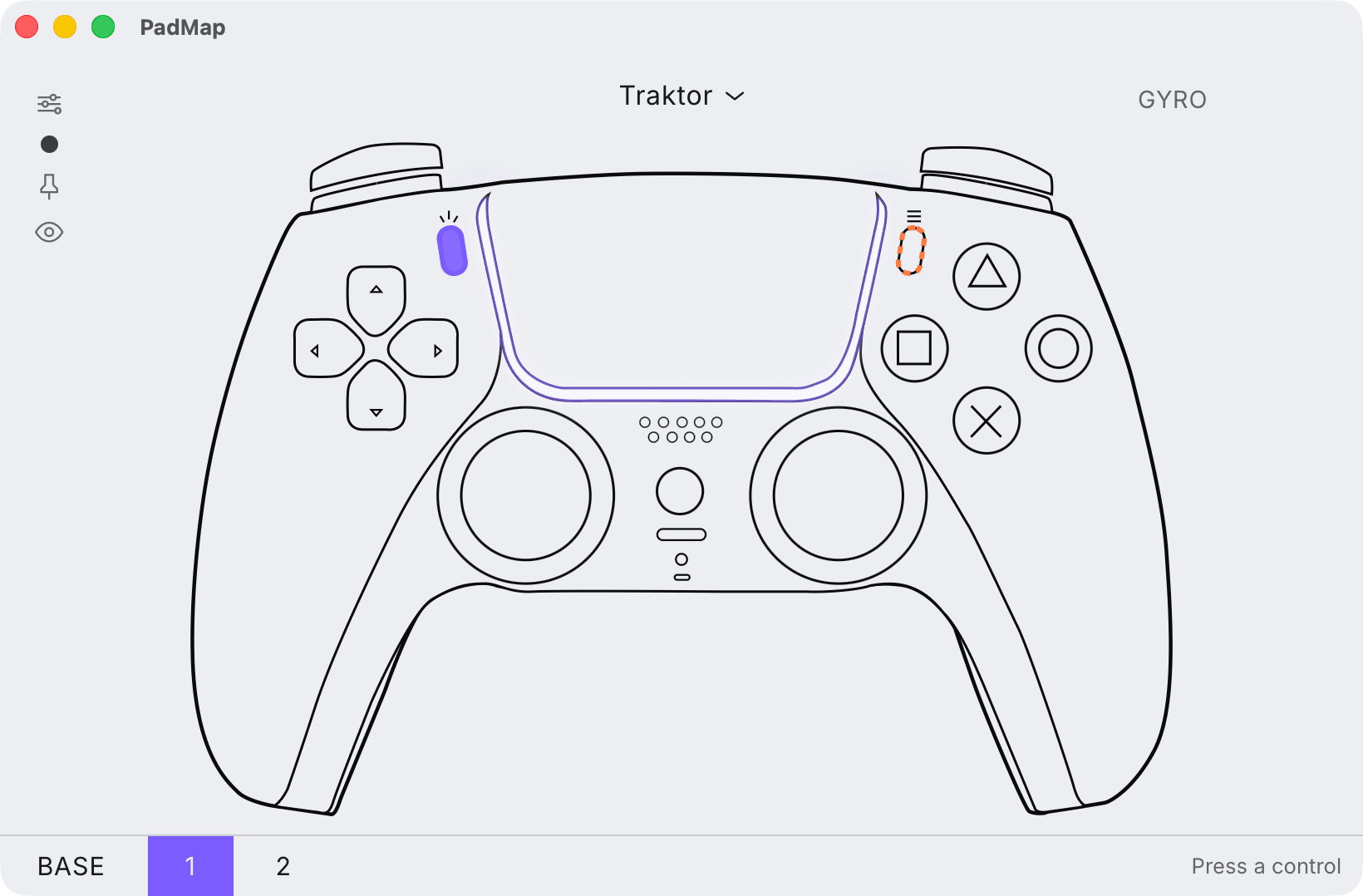
A pad has four face buttons and a deck has many more clips. In PadMap you can stack mapping layers and make any control a modifier: hold it, and the other controls send a different set of notes and CCs.
Each layer sends its own messages, so Resolume sees a separate control for each. Map the base layer to the first four clips, hold L1 and map the same buttons to the next four. On PS4 and PS5 controllers, PadMap colour-codes the light bar to your mapping, which helps you tell at a glance what the pad is set to in a dark booth.
What PadMap does not do in Resolume
- MIDI only. PadMap sends MIDI, not OSC. Everything Resolume lets you assign in Edit MIDI is in reach; an OSC-only workflow is not.
- No feedback from Resolume. Resolume can send MIDI back to light the pads of a grid controller. A gamepad has no pads to light, so leave MIDI Output off for the PadMap port.
Written by Oskar Schachtschneider, who builds PadMap at Sinuslabs.