
Technique · Updated
A simple XY pad MIDI controller: a PS5 or PS4 controller
Short answer
Connect a PS5 DualSense or PS4 DualShock 4, open PadMap and set the stick's X axis to one MIDI CC and its Y axis to another. In your DAW, MIDI-learn each CC to a parameter, for example cutoff on X and resonance on Y. The stick then works as a small XY pad that returns to centre when released.
Set up a stick as an XY pad
- 1
Give each axis its own CC
Connect the controller (PS5 pairing steps, PS4 pairing steps). In PadMap, set the left stick's X axis to one CC number and its Y axis to another. Do the same for the right stick with two more. Four CCs, two pads.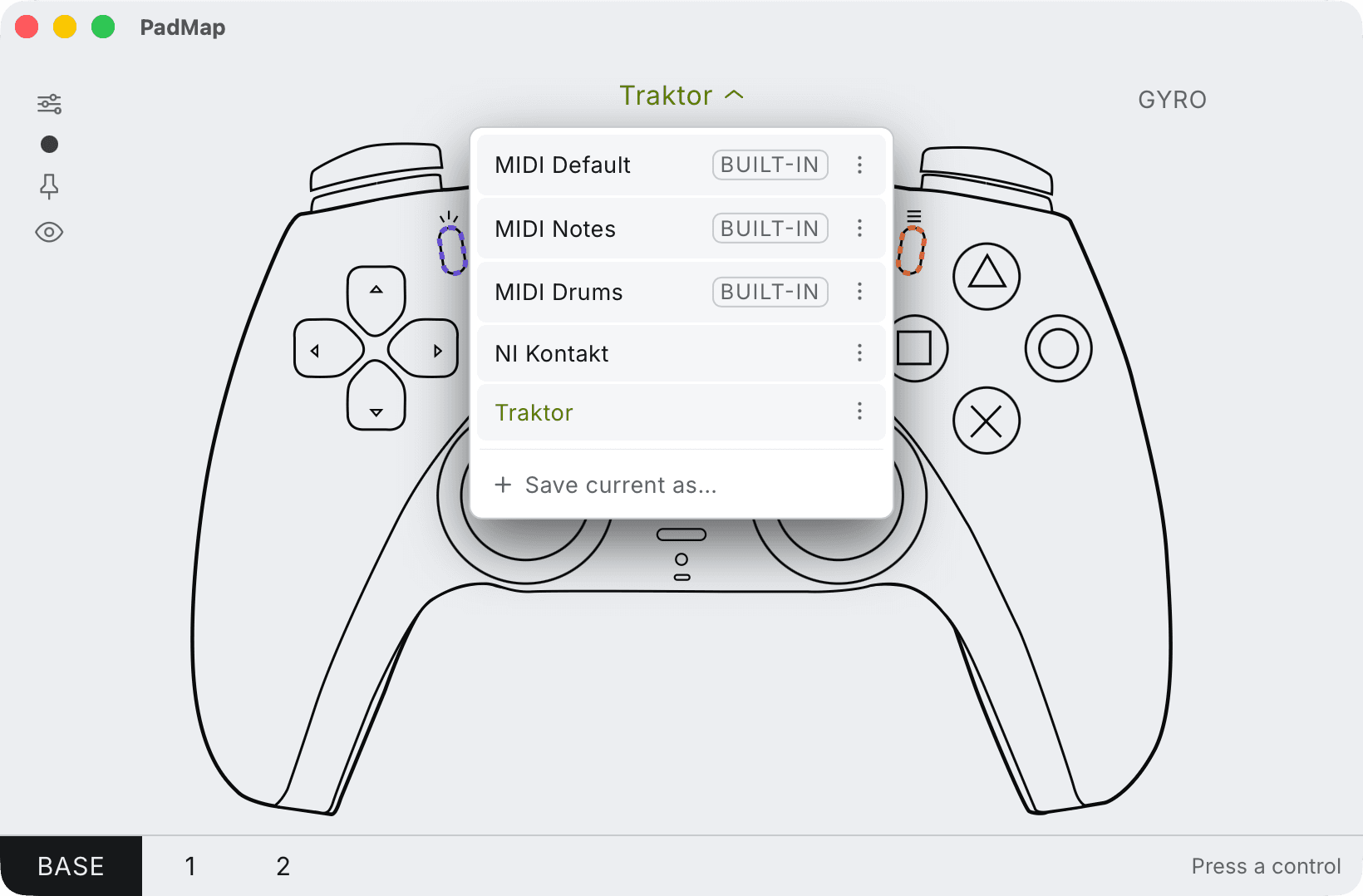
Built-in presets — MIDI Default, Notes and Drums — plus your own, saved with Save current as. - 2
Learn one axis at a time
MIDI learn listens for the first message it hears, and a stick moves on both axes at once. Push the stick straight left and right while you learn the X parameter, and straight up and down for Y. In Ableton Live that is MIDI Map Mode (Cmd/Ctrl + M); in FL Studio, right-click a knob and choose Link to controller. - 3
Set the range around centre
A stick rests in the middle, so the parameter rests at the middle of whatever range you give it. Narrow the mapping's minimum and maximum in your DAW until the resting value sounds right and a full push reaches the extreme you want.
Pairs that work well on one stick
| X axis | Y axis |
|---|---|
| Filter cutoff | Filter resonance. The classic pair; circular moves give vowel-like sweeps. |
| Pan | Reverb send. Push a sound to one side and into the distance at once. |
| Delay time | Delay feedback. Small moves, big changes; set a narrow range. |
| Wavetable position | Detune or drive. Morph a synth with one thumb. |
| Crossfade A/B | Effect amount. Useful for transitions in a live set or a VJ mix. |
Where a stick fits, and where a touch pad is better
A thumbstick is one option among several, and it is not the best one for every job.
- It springs back. A touch pad holds the last position; a stick returns to centre. That makes it good for gestures that should resolve: a sweep, a wobble, a throw. For a value you set and leave, a touch pad or a knob is the better tool.
- It is small. A stick travels a few millimetres. Fine, slow moves are easier on a larger touch surface; narrowing the range in your DAW helps.
- It has a physical centre. You always know where neutral is without looking, which a flat pad can't give you.
- You can hold it and play. Your fingers stay free for the shoulder buttons and triggers while your thumbs steer.
A third and fourth dimension
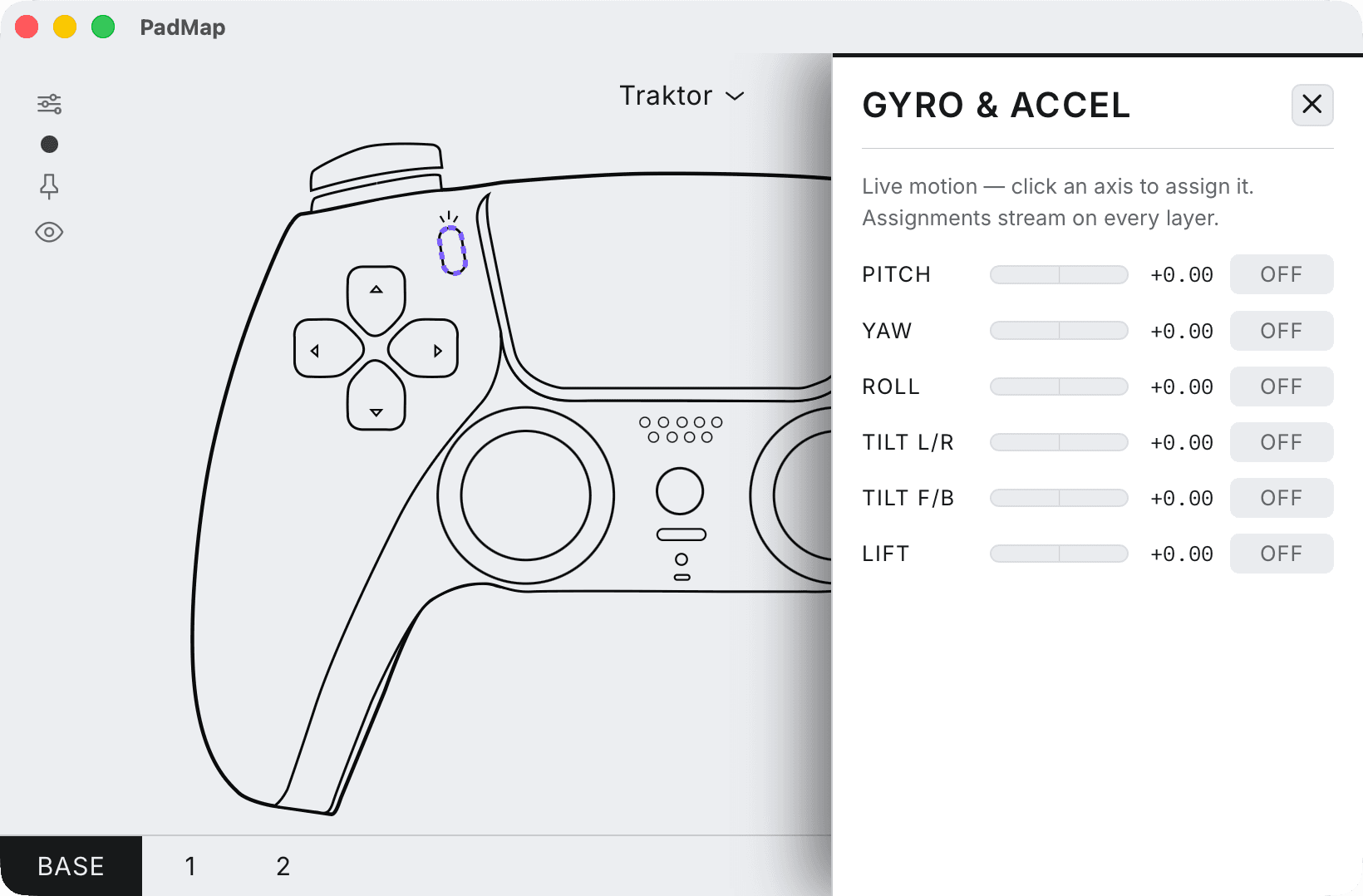
Two sticks already give four CCs. The triggers add two more that rest at zero, and PadMap reads the controller's motion sensors as well, so tilting the pad sends CC too. A filter on the stick, a send on the trigger and a pan on tilt is a lot of expression from one hand position.
See the motion guide for the tilt axes, and the DIY controller guide for a whole-pad layout.
Written by Oskar Schachtschneider, who builds PadMap at Sinuslabs.