
Help · Updated
How to use a gamepad as a MIDI controller on Linux
Short answer
Download PadMap's AppImage (any distro) or .deb (Debian, Ubuntu), connect the controller and start PadMap. It creates an ALSA MIDI port called PadMap Out, which aconnect -l lists under the client padmap. Add the udev rule for touchpad and gyro access, then use PadMap Out as your DAW's MIDI input, through snd-virmidi for DAWs such as Bitwig that only open hardware devices.
Set up PadMap on Linux
- 1
Download PadMap for Linux
Get it from the download section. There are two builds, the same app in two packages:
- AppImage runs on any distro without installing. Make it executable and start it:
chmod +x PadMap.AppImage
./PadMap.AppImage
On Arch, an AppImage needs FUSE 2 (sudo pacman -S fuse2), or start it with --appimage-extract-and-run. The AppImage updates itself in place, like the macOS and Windows builds.
- .deb is for Debian, Ubuntu and their derivatives, and it installs the controller rule from the next step for you:
sudo apt install ./PadMap.deb - 2
Give PadMap access to the controller
Buttons, sticks and triggers work straight away through the kernel's joystick drivers. The touchpad, the gyro, the light bar and, on some pads, rumble are read from the controller directly, and Linux only allows that with a udev rule. The .deb installs it. With the AppImage, add it once by hand:
sudo tee /etc/udev/rules.d/70-padmap.rules >/dev/null <<'EOF'
# Sony DualShock 4 / DualSense — USB, then Bluetooth
KERNEL=="hidraw*", ATTRS{idVendor}=="054c", MODE="0660", TAG+="uaccess"
KERNEL=="hidraw*", KERNELS=="*054C:*", MODE="0660", TAG+="uaccess"
# Valve Steam Controller and dongles — USB, then Bluetooth
KERNEL=="hidraw*", ATTRS{idVendor}=="28de", MODE="0660", TAG+="uaccess"
KERNEL=="hidraw*", KERNELS=="*28DE:*", MODE="0660", TAG+="uaccess"
EOF
sudo udevadm control --reload-rules && sudo udevadm trigger
Then unplug the controller and plug it back in. If Steam is installed, its steam-devices rules already cover the same controllers, and you can skip this.
- 3
Connect the controller and open PadMap
Plug the controller in by USB, or pair it in your desktop's Bluetooth settings (or with bluetoothctl). Start PadMap: the controller's name appears in the app and the drawing lights up as you press buttons. Pick a preset to start from, such as MIDI Drums, and change any control later.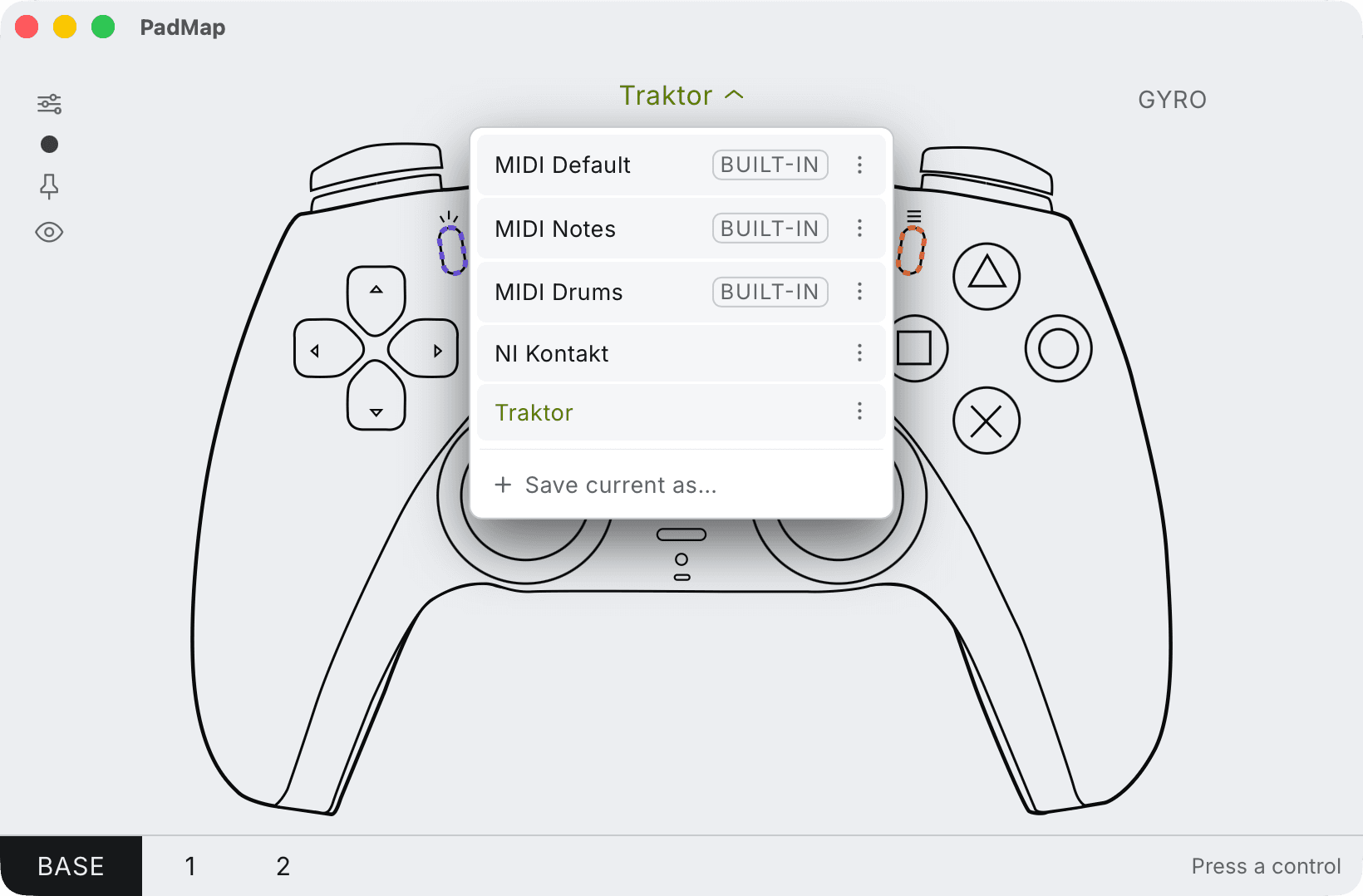
Built-in presets — MIDI Default, Notes and Drums — plus your own, saved with Save current as. - 4
Check the MIDI port
With PadMap running, list the ALSA MIDI ports. PadMap appears as a client called padmap with one port, PadMap Out:
aconnect -lTo watch the messages themselves, run aseqdump (from alsa-utils) on that port and press a few buttons. Each press prints a note-on and a note-off, and a stick prints a stream of control changes:
aseqdump -p padmap - 5
Connect PadMap Out to your DAW
Start PadMap before the DAW, so the port already exists when the DAW lists its MIDI devices. Then it depends on how the DAW reads MIDI on Linux:
- DAWs that read ALSA sequencer ports list PadMap Out as an input straight away. Ardour does with its ALSA audio system and the MIDI system set to ALSA sequencer, which is the default.
- DAWs that only open hardware MIDI devices don't see a software port like PadMap's. Bitwig Studio is one, and so is REAPER on its ALSA audio system. Give them a virtual hardware device to listen to, as described in the next section.
For a standalone synth with no MIDI settings of its own, connect the port from the command line with aconnect padmap <synth>, using the synth's client name from aconnect -l.
Bitwig Studio and REAPER: bridge with snd-virmidi
The kernel module snd-virmidi creates a virtual MIDI device that looks like hardware to the DAW and like an ordinary sequencer port to everything else. Load it, then connect PadMap to it:
sudo modprobe snd-virmidi midi_devs=1
aconnect -l
aconnect -l now also lists a client called Virtual Raw MIDI followed by two numbers, such as Virtual Raw MIDI 2-0. Connect PadMap's port to it, using the numbers from your own list:
aconnect padmap:0 "Virtual Raw MIDI 2-0:0"In the DAW, choose the VirMIDI device with the same numbers (VirMIDI 2-0 here) as the MIDI input. The module stays loaded until you restart. To load it on every boot:
echo snd-virmidi | sudo tee /etc/modules-load.d/virmidi.conf
echo "options snd-virmidi midi_devs=1" | sudo tee /etc/modprobe.d/virmidi.conf
The aconnect link lasts while PadMap runs, so connect it again after restarting PadMap.
PipeWire and JACK
On distros that run PipeWire, ALSA sequencer ports also show up in PipeWire's graph through its MIDI bridge. A DAW running on JACK (or PipeWire's JACK layer) can take PadMap's port from there: connect it in a patchbay such as qpwgraph, or find its name with:
pw-link -o | grep -i padmapand link that name to the DAW's MIDI input with pw-link. In Ardour on JACK, PadMap's port may be listed under Other rather than Hardware in Window → MIDI Connections.
What's tested on Linux
PadMap uses the same controller code on Linux as on macOS and Windows. What has been run on real hardware so far:
| Controller | On Linux |
|---|---|
| PS5 DualSense | Tested on Arch Linux. The touchpad, gyro and light bar need the udev rule above. |
| PS4 DualShock 4 | Tested on Arch Linux. Same udev rule as the DualSense. |
| Xbox Series X|S and Xbox One | Tested on Arch Linux. |
| Steam Controller (2026) | Its profile and udev rule ship in the Linux build. Tested on Windows so far. |
Other distros and the .deb on Debian and Ubuntu are next. If something doesn't work on yours, tell us what you're running.
Linux notes
- No loopMIDI. On Windows, PadMap needs a loopback driver to have a port to send through. Linux, like macOS, lets an app publish its own MIDI port, so PadMap does exactly that.
- Touchpad or gyro silent? That's the udev rule. Check that /etc/udev/rules.d/70-padmap.rules exists, then unplug and replug the controller.
- Steam Input. While Steam runs, it can take a controller over and pass it on as a different one. If PadMap doesn't react, quit Steam and reconnect the controller.
- Virtual machines. Inside a VM, the controller has to be passed through to the guest as a USB device. Bluetooth controllers usually can't be.
Layers: more controls than the pad has
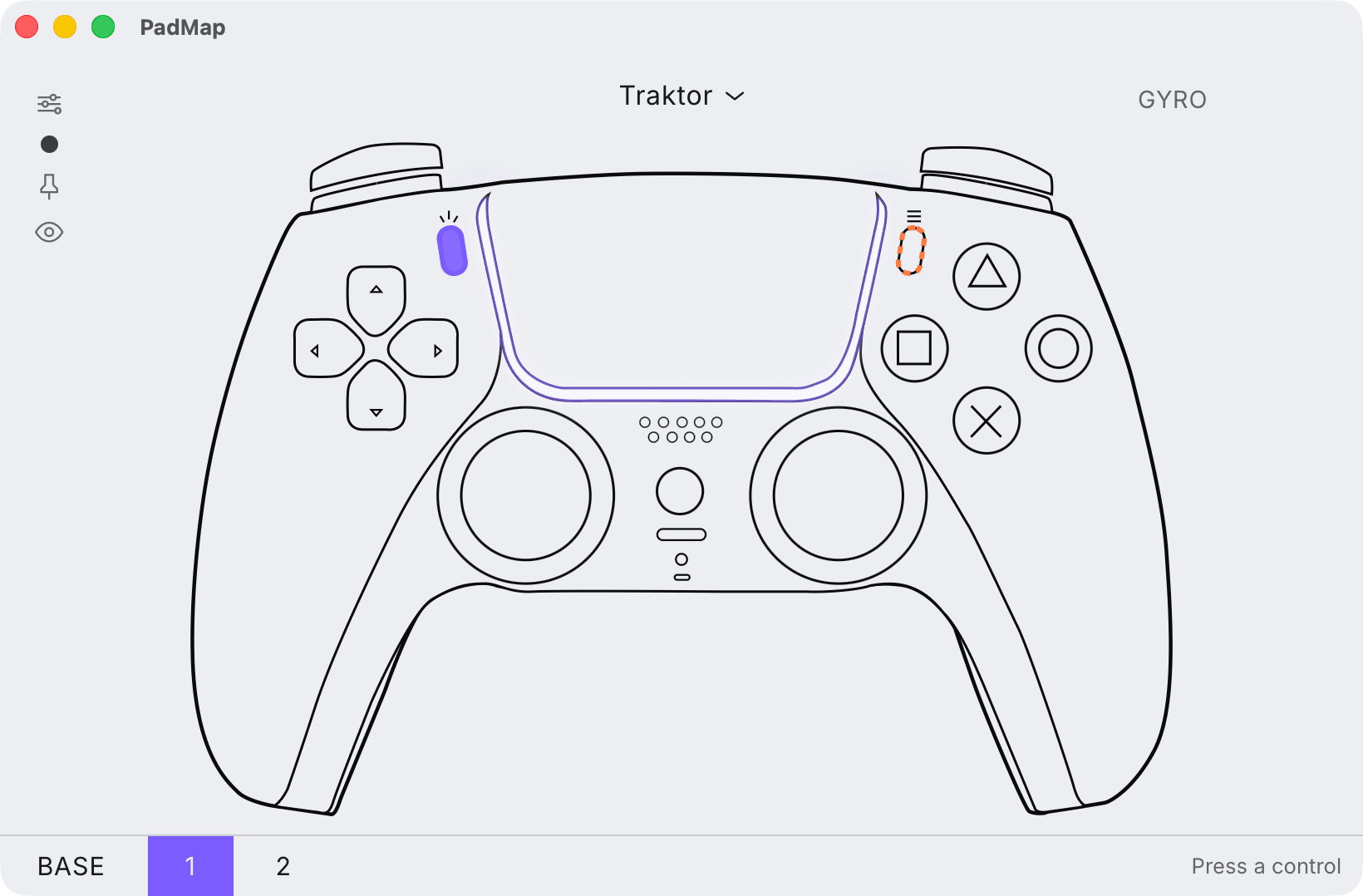
Everything PadMap does on macOS and Windows works the same way on Linux, including mapping layers. Set any control as a modifier, and while you hold it the rest of the pad sends a different set of notes and CCs: the face buttons play drums on the base layer and launch clips while you hold R1, for example.
Written by Oskar Schachtschneider, who builds PadMap at Sinuslabs.